 +91 8981168001
  info@digihyfy.com
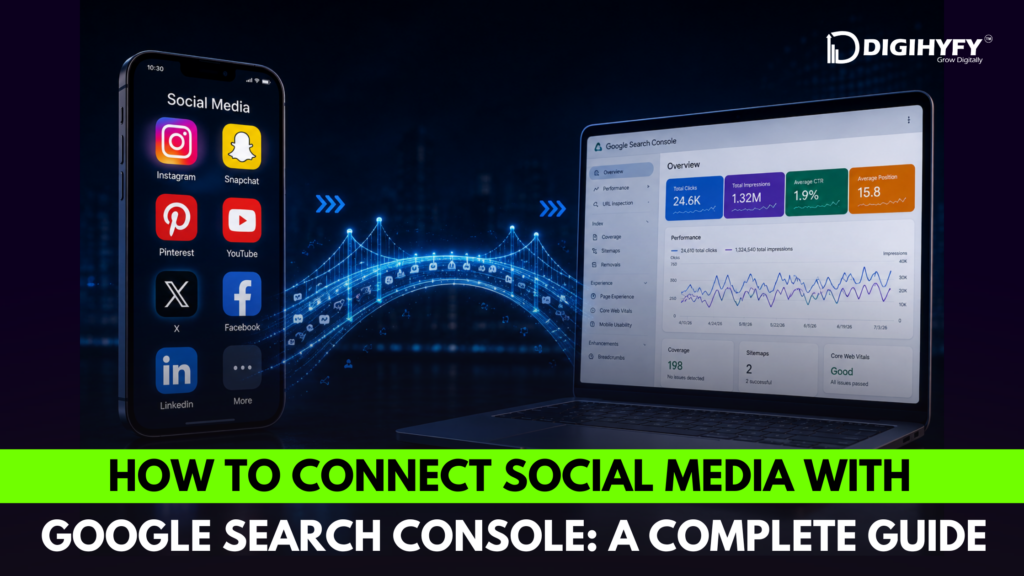
In the modern online environment, SEO and social media are not independent marketing techniques. Companies that combine social media and SEO have improved visibility, increased authority, and additional chances to reach potential clients. The current guide on Social Media SEO will reveal the technique of connecting your social media profile with Google Search Console and leveraging the received data for enhancing your marketing activities.
The Platform Properties function was released by Google in its Google Search Console and allows you to monitor the performance of your social media content in Google Search. It includes social media platforms like Instagram, YouTube, TikTok, and X (Twitter).
Why Social Media Matters for SEO
Even though social media signals do not count as ranking factors, they impact SEO in many ways:
- Enhance brand recognition and online presence
- Boost website traffic
- Enhance content distribution
- Gain backlinks via content sharing
- Help Google to identify your brand’s online presence
Social media marketing helps SEO initiatives by spreading your content and gaining users’ attention.
What Is Google Search Console’s Social Media Integration?
Google Search Console has introduced Platform Properties that allow content creators and businesses to see how their social media posts appear on Google Search and Discover. This will allow you to track metrics like impressions, clicks, search terms, and high-performing social media posts in Google Search Console.
Platforms supported at present are:
- YouTube
- TikTok
- X (Twitter)
This tool will allow marketers to learn about the social media posts that get search visibility and discoverability on Google.
Step-by-Step Guide to Connect Social Media with Google Search Console
Step 1: Sign In to Google Search Console
Sign into Google Search Console with your Google account credentials. If you have set up your website property already, you can add the social platform property directly from the Search Console dashboard.
Step 2: Click “Add Property”
Click on Add Property in the property selector drop-down menu. Now, you can add Platform Property apart from a Website property in Google Search Console.
Step 3: Choose Your Social Media Platform
Select the social platform you wish to connect:
- YouTube
- TikTok
- X
Google will walk you through the authorization process for that particular account.
Step 4: Verify Ownership
Google will take you through the verification process, where Google will require you to log in and give authorization to access your account. This step helps to validate your ownership.
Step 5: Access Analytics Reports
Once your account is successfully verified, you can access:
- Google Search clicks
- Google Search impressions
- Top-performing posts
- Search queries driving traffic
- Audience discovery data
This is how you can get analytics reports for your social media platforms through Google Search Console.
Best Practices for Social Media SEO
For getting the most out of this Social media SEO guide, you should follow these best practices:
Social Profile Optimization
Always make sure to use consistent branding, keywords, and business information in all of your social profiles. It will help Google recognize your brand better.
Use Searchable Keywords
Make sure to add your target keywords naturally to captions, videos, video title, descriptions, and even profiles.
Create Quality Content
Make sure that your content answers users’ questions, solves their problems, and offers helpful information.
Identify Highly Ranked Topics
Use Search Console information to find out which topics give you impressions and clicks, and then create similar content.
Add Social Links in All Places
Add your social media profiles to your website, Google Business Profile, and other online directories. Google Business Profile allows businesses to connect their social media links directly.
Benefits of Connecting Social Media with Google Search Console
If your social media profiles are linked to Search Console, then you will benefit from:
- More knowledge about audience behavior
- Better content planning
- Increased visibility in search results
- Optimization of social media and SEO integration
- Making data-driven marketing decisions
Before linking these two, marketers had to rely on social analytics provided by the platforms. But now, they can track how their content is discovered on Google.
Final Thoughts
The world of search and social media keeps changing, which means businesses need to implement a holistic digital marketing strategy. This Social Media SEO guide will show how integrating your social media and Google Search Console can give you insight into the value you should be creating and getting visibility for.
If you want to take your business digital in a way that really makes an impact, you cannot ignore SEO and social media marketing. By tracking your search results on both your website and social media accounts, you can develop better content strategy and reach more people, thereby marketing yourself successfully.
At Digihyfy, we help businesses develop effective SEO and social media marketing strategies that deliver real results. Get started using Google Search Console and its integration with social media today!