
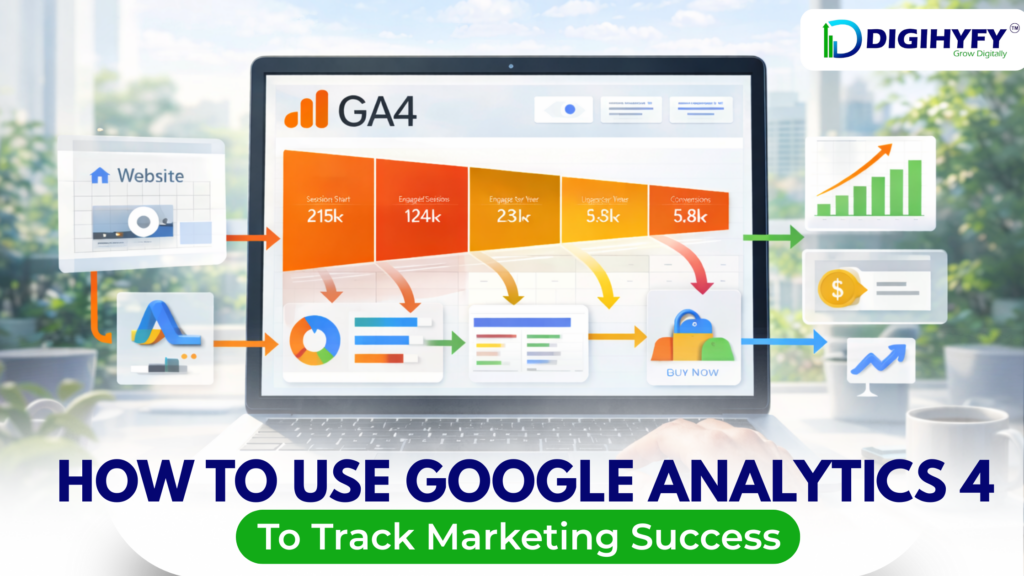
Google Analytics 4 (GA4) is a robust solution that enables companies to better understand how their users are interacting with their website and marketing campaigns. Unlike previous versions, Google Analytics 4 is more about user behavior and events, making it an extremely useful solution for measuring the success of marketing efforts.
What is Google Analytics 4 (GA4)?
Google Analytics 4 is the newest version of Google Analytics that:
- Records user actions as events
- Is applicable for websites and apps
- Offers improved insights into customer journeys
- Prioritizes privacy-friendly tracking
Why GA4 Matters to Marketing
GA4 assists marketers in the following ways:
- Identify traffic sources
- Monitor conversions and sales
- Evaluate campaign results
- Enhance marketing approaches
How to Leverage GA4 to Measure Marketing Success
1.Proper GA4 Setup
Begin by ensuring that GA4 is properly set up on your website. This involves:
- Setting up a GA4 property
- Embedding the GA4 tracking code on your website
- Integrating GA4 with Google Tag Manager (if applicable)
Correct setup ensures accurate data.
- Track Key Eventsa
GA4 tracks user actions as events. Important events include:
- Page views
- Button clicks
- Form submissions
- Purchases
- Scrolls
You can also create custom events based on your business goals.
- Set Up Conversions
Conversions show whether your marketing is working. Examples of conversions:
- Lead form submissions
- Product purchases
- Newsletter sign-ups
- Contact button clicks
Mark important events as conversions in GA4.
- Break Down Traffic Sources
GA4 provides information on the sources of users. You can monitor:
- Organic search
- Paid advertising
- Social media
- Email marketing
- Direct traffic
This will enable you to determine which marketing source works best.
- Apply Reports to Measure Performance
GA4 provides various reports such as:
- Acquisition reports
- Engagement reports
- Monetization reports
- Retention reports
These reports will enable you to gain insights into user behavior and the success of campaigns.
- Monitor User Engagement
User engagement metrics are very crucial in GA4. The important metrics are:
- Engaged sessions
- Average engagement time
- Pages per session
High engagement indicates that users value your content.
- Make Custom Explorations
GA4 enables you to perform complex analysis through Explorations. You can:
- Analyze user paths
- Monitor the performance of the funnel
- Compare various audience segments
This is very helpful in performing marketing analysis.
Common GA4 Errors to Avoid
- Not configuring conversions
- Overlooking event tracking
- Not connecting GA4 to Google Ads
- Dependence on basic reports only
Conclusion
Google Analytics 4 is an essential tool for tracking marketing success in today’s digital world. By setting up GA4 correctly, tracking events and conversions, and analyzing reports, businesses can make data-driven decisions. GA4 helps you understand what works, what doesn’t, and how to improve your marketing efforts.